
6 Things to Do Before Selling Your Windows PC or Laptop
Are you looking to sell your PC or laptop? To get the best bargain on the sale, you must follow all necessary steps before even listing it for sale. There are a few things that may put off a potential buyer, and also, there are also a few elements that may put you at risk […]
How to Fix Stuck Windows Update Assistant and Complete Your Update
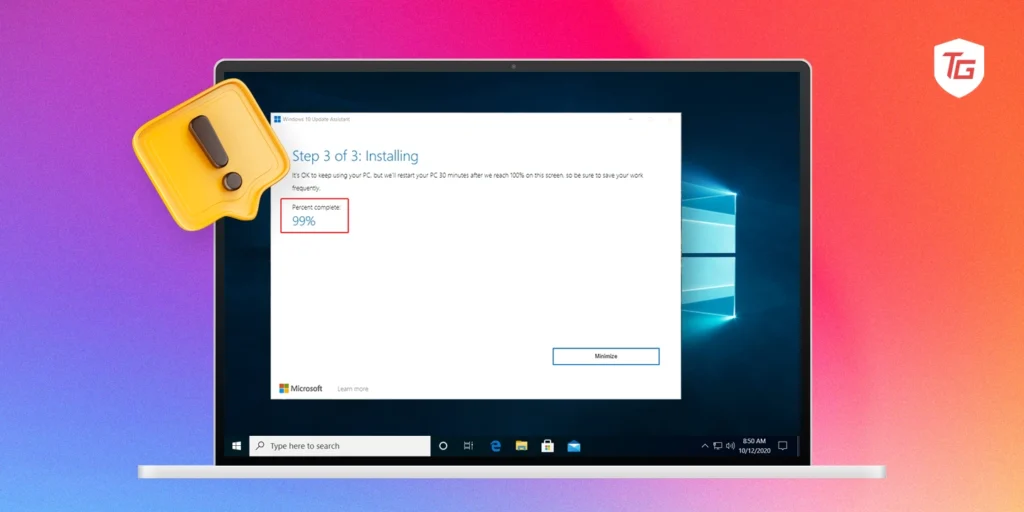
It is a best practice to update your devices because this will give you the latest security features, as well as bug fixes. However, the process, on some occasions, may go differently than planned. Some users may experience a stuck Windows Update Assistant. If this happens to you, it may result from a bad update […]
Windows 11 vs. Windows 10: Which OS is Right for You in 2025?
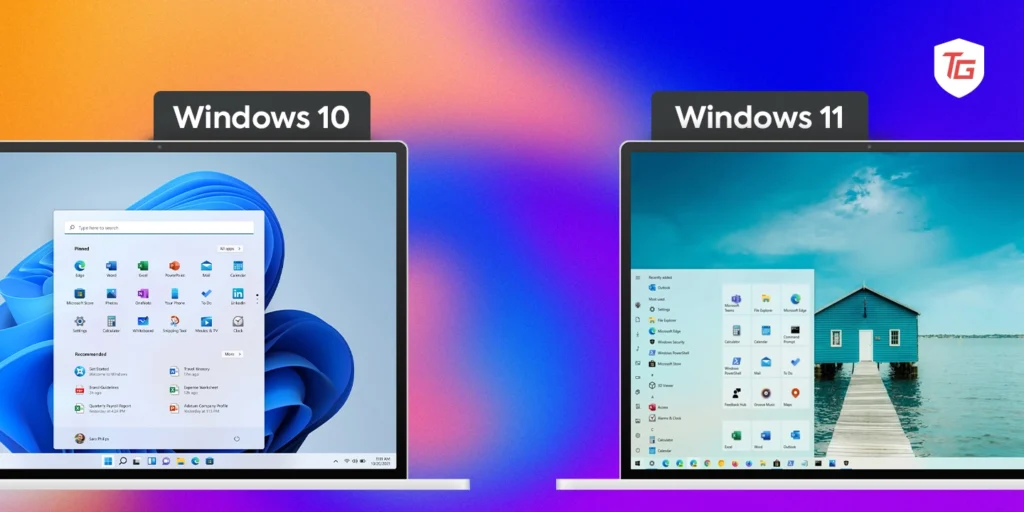
Since 1985, when Windows OS version 1.0 was released, there has been no looking back. Microsoft has maintained an innovative drive and has consistently built on that first version to deliver great operating systems for its huge consumer base. The last two client operating systems, Windows 10 and 11, were released in 2015 and 2021, […]
Must-change Settings for Windows 11 Right Now!
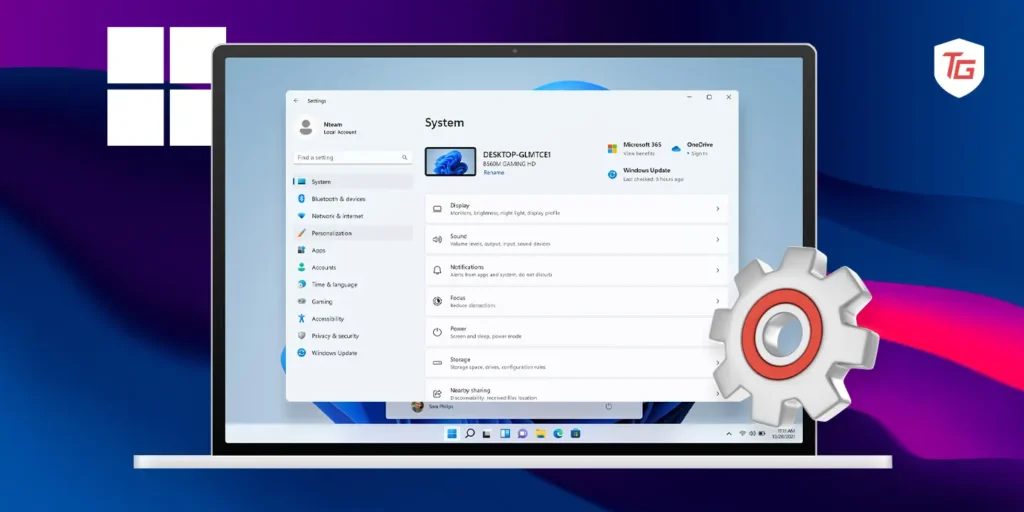
Windows 11 is a very robust and efficient operating system. Many users love it because it is highly customizable. However, out of the box, there may be a few elements you will want to tweak. In this guide, we discuss 15 things you should change in Windows right now. Note that these are not specifically […]
How to Repair Windows 10 and Windows 11
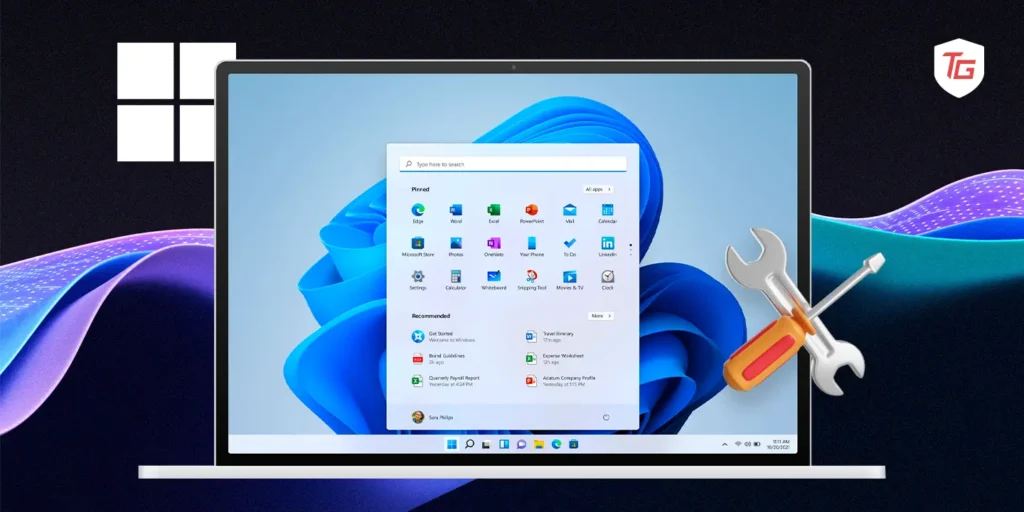
While Windows is reputed as a reliable and stable operating system, it is only normal for tech consumers to run into the occasional error, bug, or a problem. Windows Windows 10 and 11, some of these problems may require you to repair your computer. There are built-in repair functions on the operating system and other […]
8 Ways to Fix Windows Key Not Working?
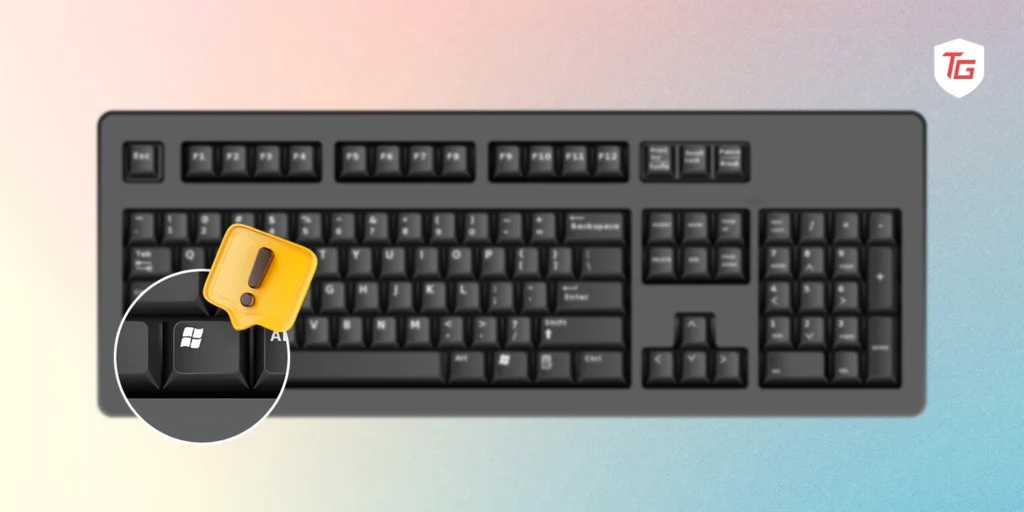
The Windows key on your keyboard is one of the most important keys. It is used to open the Start menu, launch a quick program search, access the action center, open your task view, and more. When it stops working on your keyboard, accessing some of these functions becomes very hard. There are, however, a […]
How to Take a Screenshot on Windows 10 and Windows 11 (5 Working Methods)
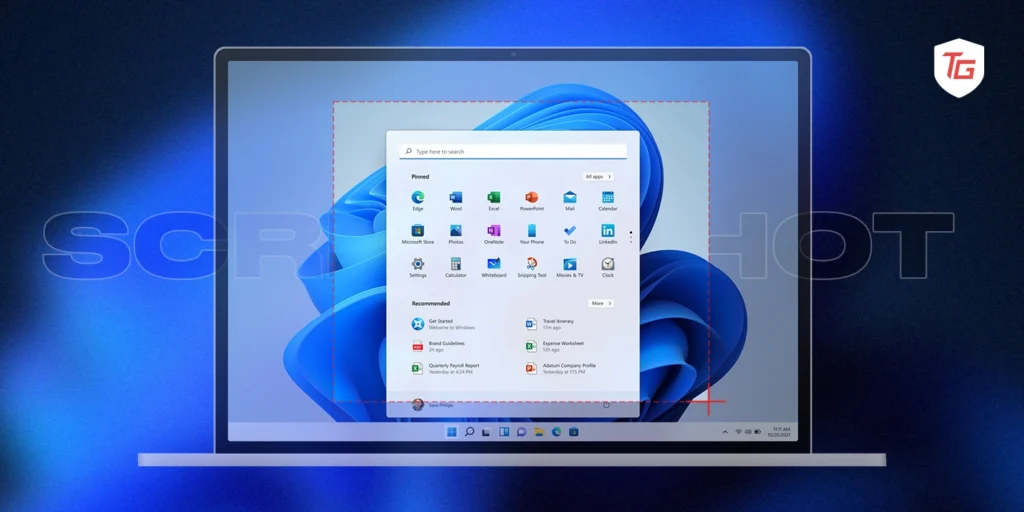
Screenshots are very important and vital tools to have on your system. They may be used for troubleshooting problems, sharing information, creating documentation, or capturing important information. Thankfully, from native Windows 10 and 11 options to third-party tools, there are a lot of ways to take screenshots on your devices. For this guide, we have […]
How to Split Screen on Windows 10 and Windows 11 ( 5 Working Methods )
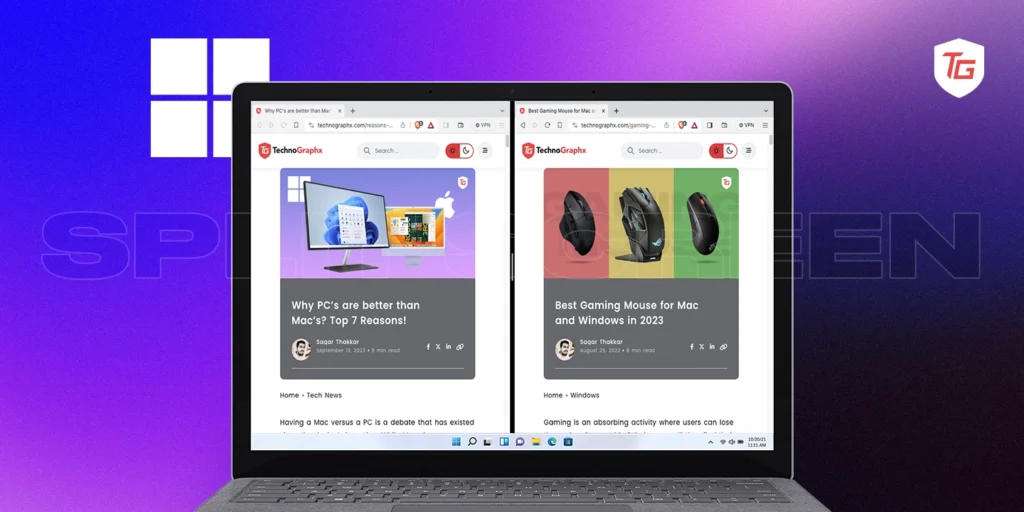
Let’s see how to split screen on windows with complete step-by-step easily guide to know. Know various ways of split screening, including keyboard shortcuts
How to Do Split Screen on Chromebook ?
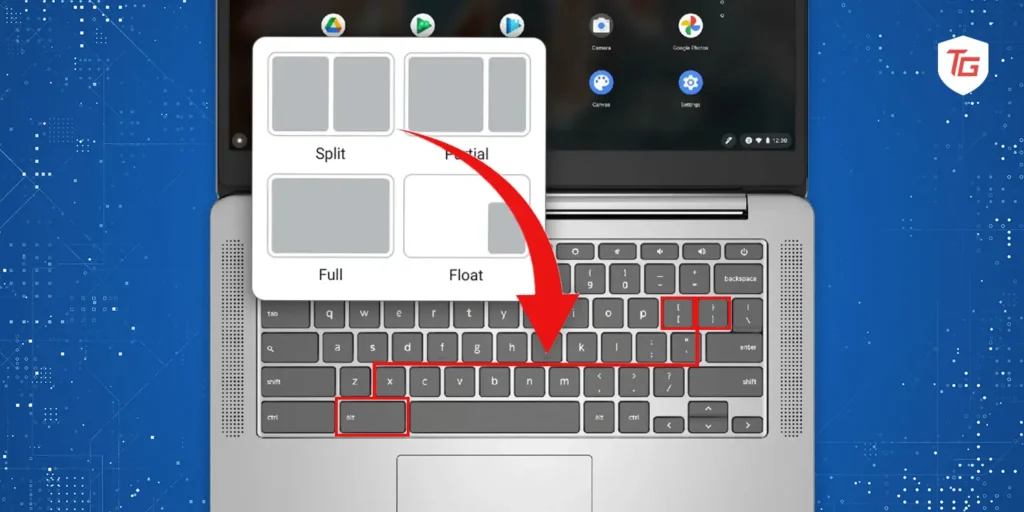
We will show you how to split screen on chromebook? 1. open a new window, 2. click on the app launcher, and select the desired app, 3. press the Alt + Tab keys