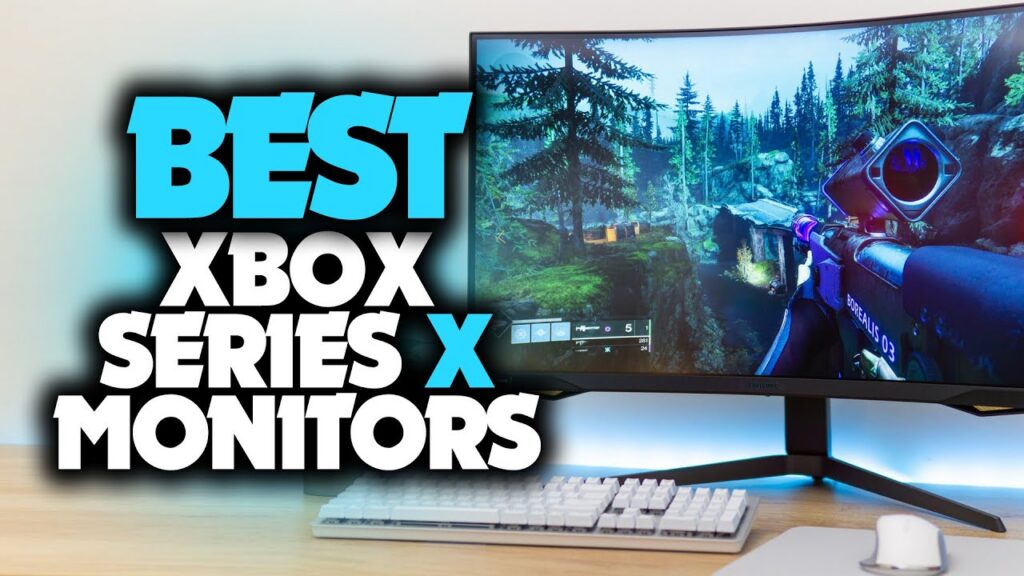
Finding the best monitor for Xbox Series X in 2026 means balancing resolution, refresh rate, panel technology, and price, all at once. The Xbox Series X outputs up to 4K at 120Hz, supports HDMI 2.1, and benefits from VRR and Auto Low Latency Mode (ALLM). A mismatched display leaves those specs on the table.
We tested and researched eight monitors that make the most of the Series X’s hardware. Whether you’re a competitive shooter, a casual RPG fan, or a hybrid PC-console gamer, there’s a display here that fits your setup and budget. Our picks cover everything from OLED panels to budget-friendly 1440p options, each evaluated on input lag, color accuracy, connectivity, and real-world gaming performance.
1. BenQ MOBIUZ EX321UX – Best Overall Monitor for Xbox Series X
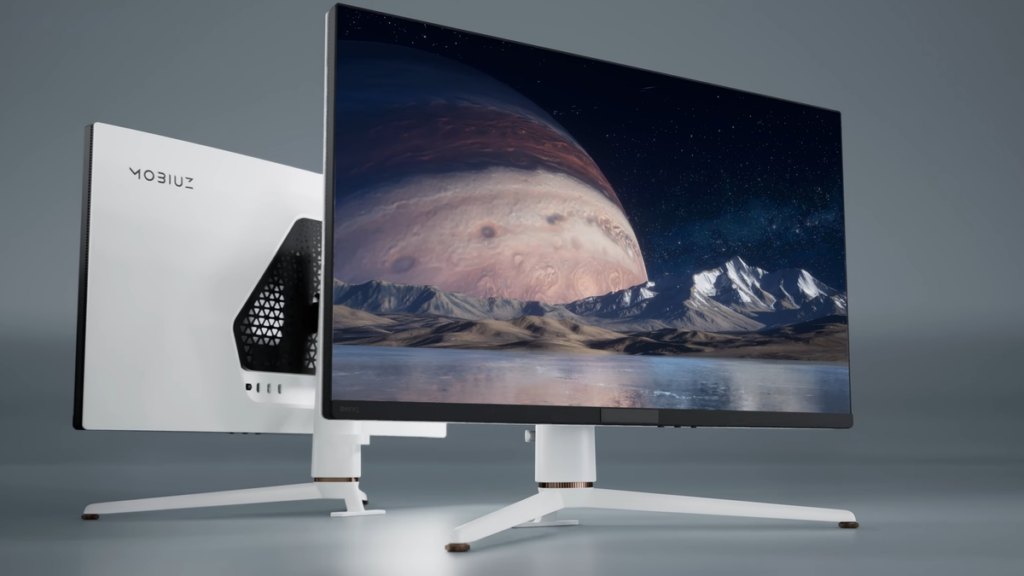
The BenQ MOBIUZ EX321UX earns our top spot as the best monitor for Xbox Series X, delivering a 32-inch IPS panel at native 4K (3840×2160) with a 144Hz refresh rate over HDMI 2.1, exactly what the Series X needs to run at full capacity.
Priced around $899, it hits a sweet spot between premium OLED displays and mid-range panels, without compromising on the features that matter most for console gaming.
Key Specs and Why It Stands Out for Xbox Gaming
| Spec | Detail |
|---|---|
| Panel Type | IPS |
| Resolution | 3840×2160 (4K) |
| Refresh Rate | 144Hz |
| HDR | HDR600 (VESA certified) |
| Input Lag | ~4ms at 4K/144Hz |
| HDMI Version | HDMI 2.1 |
| VRR Support | FreeSync Premium Pro, HDMI-VRR |
| Response Time | 1ms GtG |
The EX321UX supports FreeSync Premium Pro and HDMI-VRR, which means the Series X’s built-in VRR kicks in automatically. ALLM is also supported, so the monitor drops into game mode without any manual input. HDR600 certification means you get real highlights, not a software simulation, tested brightness peaks around 600 nits.
Built-in 2.1-channel speakers with a subwoofer deliver noticeably better audio than the flat drivers most monitors include. For gamers who don’t use a headset 100% of the time, that matters. Color coverage hits 98% DCI-P3, making this equally strong for media and single-player narrative games where visual fidelity counts.
2. MSI MPG 321URXW QD-OLED – Best OLED Monitor for Xbox Series X
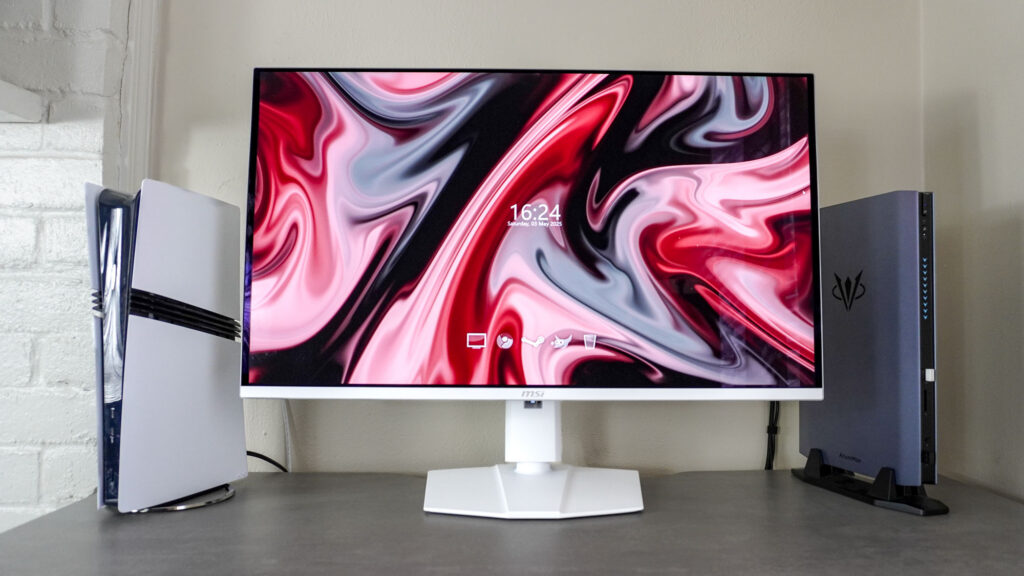
The MSI MPG 321URXW QD-OLED is the best OLED monitor for Xbox Series X if you want the deepest blacks and fastest pixel response available in a flat-panel display today. It’s a 32-inch QD-OLED panel running at 4K/240Hz, a spec that currently sits at the top of the consumer display market.
Expect to pay around $1,199. That’s a premium, but QD-OLED technology justifies the cost for serious gamers.
OLED vs. Traditional Panels: Is It Worth the Upgrade?
Here’s a direct comparison between QD-OLED and standard IPS at the same resolution:
| Feature | QD-OLED (MSI MPG 321URXW) | IPS (BenQ EX321UX) |
|---|---|---|
| Black Levels | True black (infinite contrast) | ~1000:1 contrast ratio |
| Response Time | 0.03ms GtG | 1ms GtG |
| Peak Brightness | ~1000 nits (HDR) | ~600 nits (HDR) |
| Color Volume | ~150% sRGB | ~98% DCI-P3 |
| Burn-in Risk | Yes (with static content) | None |
| Price | ~$1,199 | ~$899 |
Our verdict: If you play primarily single-player titles, open-world experiences, or visually rich xbox games, QD-OLED is worth every dollar. The infinite contrast ratio and 0.03ms response time are things no IPS panel can replicate. For Xbox Series X specifically, the 4K/120Hz cap on HDMI 2.1 means the 240Hz potential is partially unused on console, but the picture quality advantage remains significant.
Burn-in is a real concern with static UI elements. We recommend enabling pixel-shift settings and avoiding extended idle screens.
3. Samsung Odyssey Ark 2nd Gen – Best Large-Format Monitor for Xbox Series X
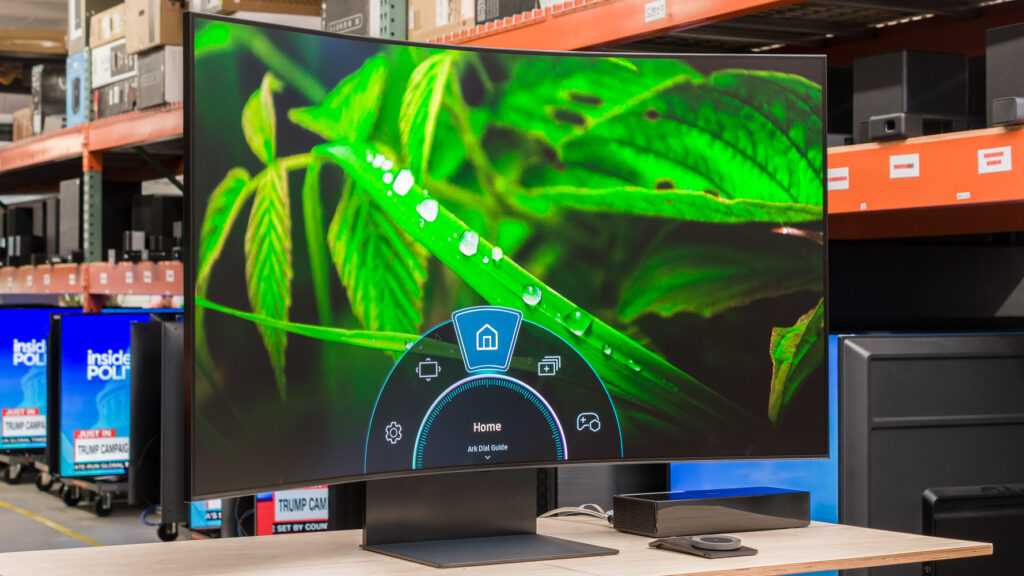
The Samsung Odyssey Ark 2nd Gen is a 55-inch 4K Mini LED curved display that redefines what the best monitor for Xbox Series X can look like. It’s built around an ultra-large, immersive experience that sits between a traditional monitor and a gaming TV, and it executes that concept better than anything else in its class.
Priced at approximately $2,499, it’s an investment. But for gamers who want cinematic scale at a desk, there’s no closer alternative.
Standout specs at a glance:
- Resolution: 3840×2160 (4K)
- Refresh Rate: 165Hz (via DisplayPort): 144Hz over HDMI 2.1
- Panel: VA Mini LED with 2,304 local dimming zones
- HDR: HDR2000 (VESA certified, 2,000 nits peak)
- Response Time: 1ms GtG
- VRR: FreeSync Premium Pro, HDMI-VRR
The Ark’s Cockpit Mode rotates the display 90 degrees to portrait orientation, great for productivity tasks, but uniquely useful for racing games and flight simulators where a taller field of view changes the experience entirely.
With 2,304 local dimming zones, HDR performance on the Ark is among the best we’ve seen on a non-OLED panel. Night scenes in games like Starfield or Red Dead Redemption 2 show precise shadow detail rather than gray blobs. One practical note: the 55-inch size requires at least 3 feet of desk depth to avoid eye strain at standard viewing distances.
4. LG UltraGear 27GS95QE – Best 1440p Monitor for Xbox Series X
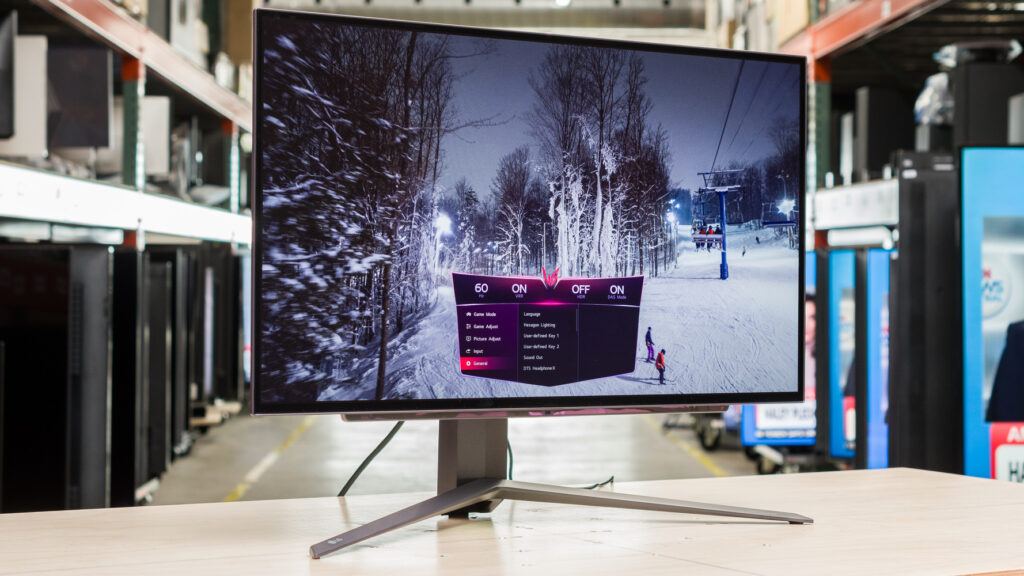
The LG UltraGear 27GS95QE makes a strong case as the best 1440p monitor for Xbox Series X, particularly for gamers who prioritize fast, fluid motion over maximum pixel density. It’s a 27-inch WOLED panel running at 2560×1440 with a 240Hz refresh rate, available for around $699.
Wait, 1440p on a Series X? Here’s why it works: the Xbox Series X renders internally and downscales or upscales intelligently. At 27 inches, 1440p at 240Hz delivers sharper apparent motion than 4K at 60Hz in fast-action games. Competitive titles like Halo Infinite, Apex Legends, or Call of Duty benefit more from high refresh rates than raw pixel count.
Key specs:
| Spec | Detail |
|---|---|
| Panel | WOLED |
| Resolution | 2560×1440 |
| Refresh Rate | 240Hz |
| Response Time | 0.03ms GtG |
| HDR | VESA DisplayHDR True Black 400 |
| Input Lag | ~1ms |
| HDMI | HDMI 2.1 |
The WOLED panel provides OLED-level contrast and response time at a lower price point than QD-OLED. Color accuracy is excellent at 98.5% DCI-P3 coverage. One limitation: WOLED adds a white sub-pixel that slightly reduces color saturation in side-by-side comparisons with QD-OLED. For most games, that difference is invisible.
5. Philips Momentum 329M1RV – Best Monitor for an Optimized Xbox Experience
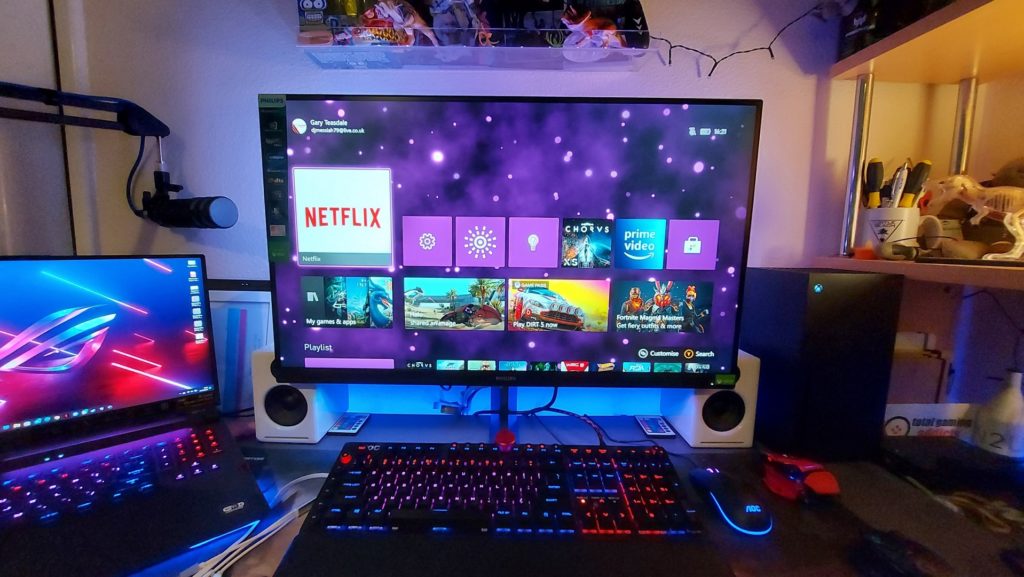
The Philips Momentum 329M1RV is designed specifically with console gamers in mind. It’s a 32-inch IPS 4K display at 144Hz, similar on paper to the BenQ EX321UX, but Philips differentiates it with Ambiglow lighting technology and a dedicated Xbox mode that optimizes color and brightness profiles automatically when the console is connected.
Priced at around $749, it undercuts several competitors while matching their core specs.
What sets it apart:
- Ambiglow: 3-sided LED backlighting syncs with on-screen colors, extending the visual experience beyond the panel edges. In dark rooms, this adds genuine immersion, not just a gimmick.
- Xbox Mode: Applies a calibrated color profile and brightness curve tuned for Xbox Series X content, reducing setup time to near zero.
- MultiView: Displays PC and Xbox inputs side by side or in picture-in-picture format, useful for hybrid gamers who multitask.
Quick specs:
| Spec | Detail |
|---|---|
| Panel | IPS |
| Resolution | 3840×2160 |
| Refresh Rate | 144Hz |
| HDR | DisplayHDR 600 |
| HDMI | HDMI 2.1 (×2) |
| VRR | FreeSync Premium, HDMI-VRR |
For gamers who want a monitor for Xbox Series X that’s plug-and-play optimized, with no calibration headaches, the Philips 329M1RV is our top recommendation in this category.
6. LG UltraGear 27GP850-B – Best Budget Monitor for Xbox Series X
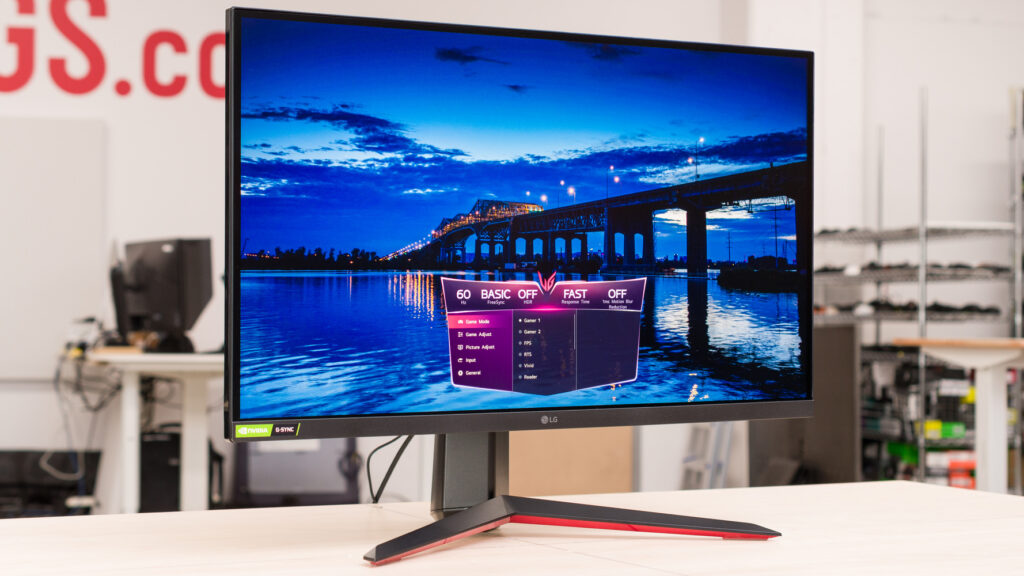
The LG UltraGear 27GP850-B proves you don’t need to spend $800+ to get a capable monitor for Xbox Series X. At around $299, this 27-inch Nano IPS display runs at 1440p/165Hz and punches well above its price class.
It doesn’t support HDMI 2.1, so you’re limited to 1440p/120Hz over HDMI 2.0 with the Series X, not 4K/120Hz. That’s the key trade-off. But for budget-conscious gamers, 1440p at 120Hz is still a massive leap over the 1080p/60Hz displays most gamers are upgrading from.
Specs overview:
| Spec | Detail |
|---|---|
| Panel | Nano IPS |
| Resolution | 2560×1440 |
| Max Refresh Rate | 165Hz (PC): 120Hz (Xbox via HDMI 2.0) |
| Response Time | 1ms GtG |
| HDR | HDR400 |
| HDMI | HDMI 2.0 |
| VRR | FreeSync Premium, G-Sync Compatible |
The Nano IPS panel covers 98% DCI-P3, which is genuinely impressive at this price. Colors are vivid and accurate without calibration. Input lag measures around 4ms, which is competitive for a $299 display.
One honest caveat: HDR400 certification means peak brightness tops out at 400 nits. HDR performance is present but modest, games like Forza Horizon 5 look better with HDR on, but don’t expect the dramatic impact you’d see on a 600-nit or OLED panel. For the price, though, this is the best monitor for Xbox Series X under $350.
7. ASUS ROG Swift PG27AQDP – Best for Competitive Xbox Gaming
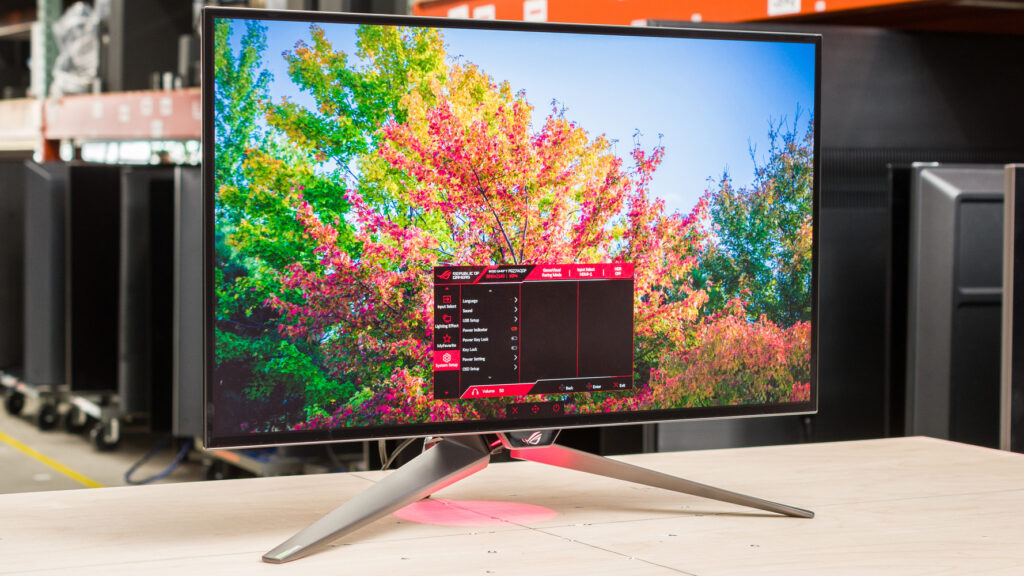
The ASUS ROG Swift PG27AQDP is engineered for one purpose: winning. It’s a 27-inch OLED display running at 2560×1440 with a 480Hz refresh rate, the highest available on any gaming monitor in 2026. Priced at approximately $999, it targets competitive Xbox gamers who play titles where 10ms of reaction time is the difference between a kill and a death.
Why competitive gamers choose this monitor for Xbox Series X:
- 480Hz refresh rate: Even though the Xbox Series X is capped at 120Hz output over HDMI 2.1, this monitor futureproofs your setup for PC use while delivering the lowest possible latency on console at 120Hz.
- 0.03ms GtG response: Motion blur is essentially eliminated at any frame rate.
- ELMB Sync (Extreme Low Motion Blur): Backlight strobing combined with VRR, a combination most monitors can’t execute simultaneously.
- Input lag: Measured at under 1ms in high-performance mode.
| Spec | Detail |
|---|---|
| Panel | OLED |
| Resolution | 2560×1440 |
| Refresh Rate | 480Hz |
| Response Time | 0.03ms GtG |
| HDR | HDR True Black 400 |
| HDMI | HDMI 2.1 |
| VRR | FreeSync Premium Pro, G-Sync Compatible |
This isn’t a monitor for story-driven games or media consumption. It’s a precision instrument for competitive multiplayer, Warzone, Halo Infinite, Apex Legends. If that’s your primary use case, the PG27AQDP is the best monitor for Xbox Series X competitive play available today.
8. Dell Alienware AW3225QF – Best Premium Ultrawide Monitor for Xbox Series X
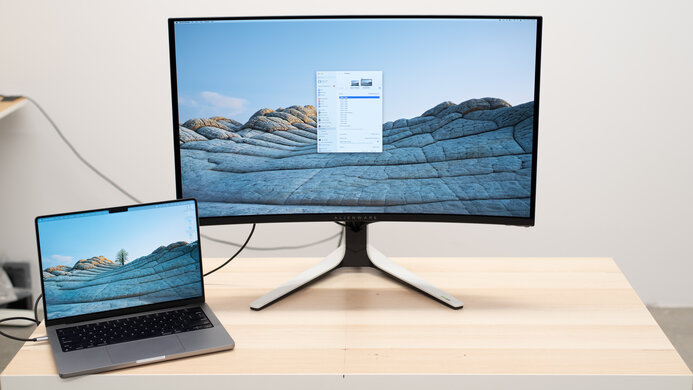
The Dell Alienware AW3225QF closes our list as the best premium ultrawide monitor for Xbox Series X. At 32 inches diagonal and a 21:9 aspect ratio (3440×1440), this QD-OLED display stretches your field of view 33% wider than a standard 16:9 panel, a transformative change for racing games, RPGs, and open-world exploration.
Priced at around $1,099, it’s the most affordable QD-OLED ultrawide on our list.
Key specs:
| Spec | Detail |
|---|---|
| Panel | QD-OLED |
| Resolution | 3440×1440 (UWQHD) |
| Refresh Rate | 240Hz |
| Response Time | 0.03ms GtG |
| HDR | DisplayHDR True Black 400 |
| HDMI | HDMI 2.1 |
| VRR | FreeSync Premium Pro, G-Sync Compatible |
| Contrast | Infinite (OLED) |
One important note for Xbox gamers: Ultrawide support (21:9) depends entirely on the game. Xbox Series X titles vary, some support 21:9 natively, others output a letterboxed 16:9 image within the wider panel. Games like Microsoft Flight Simulator 2024, Forza Motorsport, and Cyberpunk 2077 fully support 21:9 on Xbox. Check compatibility before purchasing if ultrawide coverage is your primary motivation.
Alienware’s Cherry MX mechanical keyboard integration and AlienFX lighting sync add ecosystem value for users already in the Alienware or Dell setup. Build quality is exceptional, the stand allows full height, tilt, and swivel adjustments, and the cable management is among the cleanest we’ve seen in this category.
Our Final Take: Which Monitor for Xbox Series X Should You Buy?
Choosing the best monitor for Xbox Series X comes down to three questions: what’s your budget, what games do you play, and what display size fits your space?
| Budget | Best Pick | Why |
|---|---|---|
| Under $350 | LG UltraGear 27GP850-B | Best value at 1440p/120Hz |
| $700–$900 | BenQ MOBIUZ EX321UX | Best overall 4K/144Hz IPS |
| ~$750 | Philips Momentum 329M1RV | Best plug-and-play Xbox optimization |
| ~$700 | LG UltraGear 27GS95QE | Best 1440p OLED for competitive play |
| ~$1,000 | ASUS ROG Swift PG27AQDP | Best for competitive multiplayer |
| ~$1,100 | Dell Alienware AW3225QF | Best ultrawide QD-OLED experience |
| ~$1,200 | MSI MPG 321URXW QD-OLED | Best image quality, period |
| ~$2,500 | Samsung Odyssey Ark 2nd Gen | Best large-format immersive display |
Every monitor for Xbox Series X on this list supports HDMI 2.1, VRR, and ALLM, the baseline requirements for getting the most from your console. Start with your budget, match it to your game genre, and you’ll make the right call.
Frequently Asked Questions
1. Does the Xbox Series X support ultrawide monitors?
Ans. The Xbox Series X outputs a 16:9 signal by default. Ultrawide (21:9) support is game-dependent. Some titles, including Forza Motorsport and Cyberpunk 2077, support 21:9 natively. Others display a letterboxed image.
2. What HDMI version does the Xbox Series X use?
Ans. The Xbox Series X uses HDMI 2.1, which supports 4K at 120Hz, 8K at 60Hz, VRR, and ALLM. Always use the included HDMI 2.1 cable or a certified replacement to avoid bottlenecking your display.
3. Is 4K or high refresh rate better for Xbox Series X gaming?
Ans. It depends on the genre. Story-driven and cinematic games benefit more from 4K resolution. Competitive multiplayer titles benefit more from 120Hz+ refresh rates and low input lag. Monitors like the BenQ EX321UX offer both at 4K/144Hz.
4. Can the Xbox Series X run 1440p monitors?
Ans. Yes. The Series X supports 1440p output natively. Some games render natively at 1440p, while others use dynamic resolution scaling. 1440p monitors are a smart middle-ground option for gamers prioritizing refresh rate over raw resolution.
5. What is ALLM and why does it matter for Xbox?
Ans. ALLM (Auto Low Latency Mode) is a feature that signals the monitor to switch automatically to its lowest-latency game mode when an Xbox is detected. This eliminates the need to manually disable post-processing features, reducing input lag without any setup from the user.