
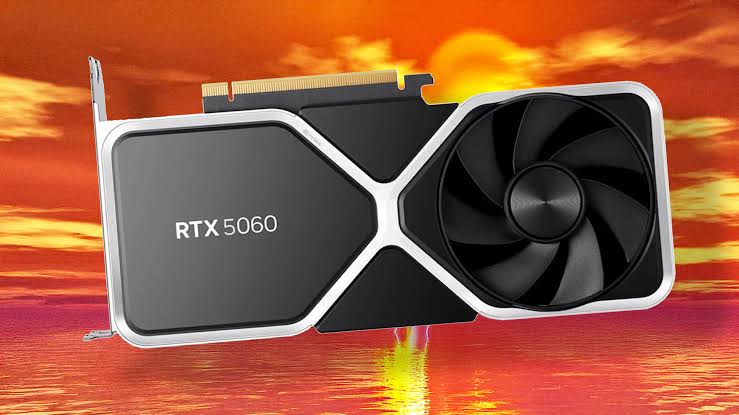
The RTX 5060 sits in the spot most PC gamers actually shop: affordable, efficient, and aimed at high-quality 1080p play. But buying a midrange GPU in 2026 is not just about average FPS. You also need to think about VRAM, ray tracing, DLSS, power draw, monitor resolution, and whether the card will age well over the next three years. This guide gives you a practical look at the RTX 5060 so you can decide if it fits your build, your games, and your budget.
RTX 5060 At A Glance: Who This GPU Is Really For
The RTX 5060 is best for you if you play at 1080p, want modern Nvidia features, and do not want to spend RTX 5070-level money. It targets gamers upgrading from older cards such as the GTX 1660 Super, RTX 2060, RTX 3050, or RX 6600. In those cases, the jump feels real: better frame rates, stronger ray tracing, AV1 encoding, and access to newer DLSS features.
It is less ideal if you already own an RTX 4060 and only play lighter esports titles. The gain may not justify the cost unless you want better efficiency, newer frame generation support, or a fresh warranty.
| Buyer type | Fit | Reason |
|---|---|---|
| 1080p competitive gamer | Excellent | High FPS with low power use |
| 1440p budget gamer | Good | Works well with optimized settings |
| 4K gamer | Poor | Limited memory and bandwidth headroom |
| Small-form-factor builder | Very good | Low board power helps thermals |
| Creator on a budget | Good | AV1 and CUDA support add value |
The RTX 5060 makes the most sense when you pair it with a 1080p or entry-level 1440p monitor, not an expensive 4K display.
RTX 5060 Specs And Features That Matter Most
The RTX 5060 uses Nvidia’s Blackwell architecture, which focuses on efficiency, AI acceleration, ray tracing improvements, and DLSS 4 support. The desktop card is commonly associated with 8GB of GDDR7 memory on a 128-bit bus, a major bandwidth upgrade over older 8GB midrange cards that used GDDR6. Still, 8GB VRAM remains the main talking point.
Here are the specs that matter in real buying decisions:
| Feature | Why it matters |
|---|---|
| 8GB GDDR7 VRAM | Fast memory, but capacity can limit ultra textures |
| 128-bit memory bus | Fine for 1080p, tighter at 1440p in heavy games |
| DLSS 4 support | Improves frame rates in supported titles |
| Ray tracing cores | Better lighting effects, but settings still need tuning |
| AV1 encoder | Useful for Twitch, YouTube, and Discord streaming |
| Low power draw | Easier PSU and cooling requirements |
For most buyers, the key tradeoff is simple: the RTX 5060 offers modern features and strong efficiency, but it is not a “max every slider forever” card. If you play games with large texture packs, heavy mods, or poor PC optimization, VRAM matters more than marketing charts.
Gaming Performance: 1080p, 1440p, Ray Tracing, And Upscaling
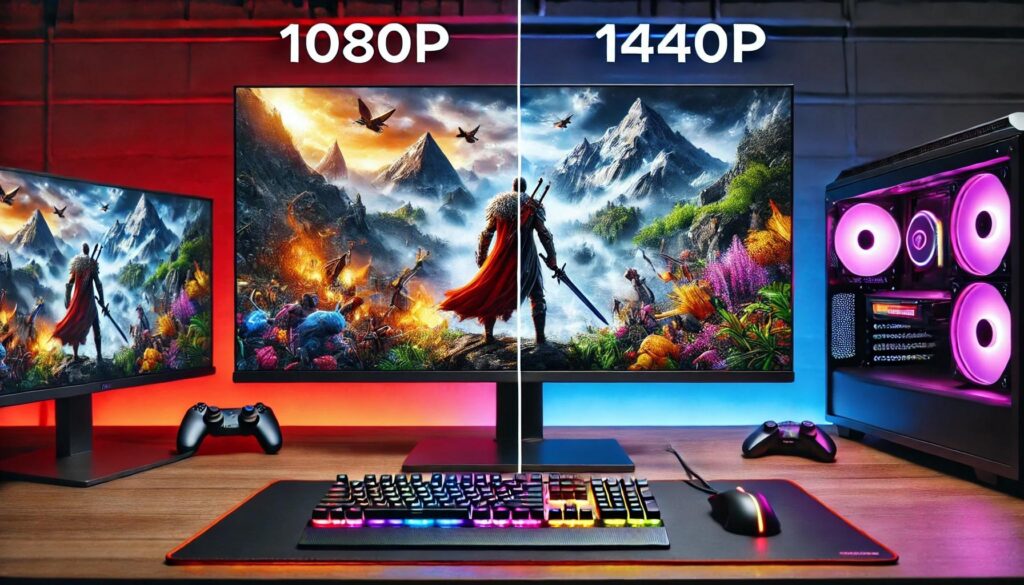
The RTX 5060 performs best when you set realistic expectations. It is a strong 1080p GPU first, a reasonable 1440p GPU second, and a selective ray tracing card. That does not make it weak. It means you should match the card to the right monitor and settings.
In modern single-player games, you should expect smooth 1080p performance at high settings in most titles. At 1440p, you may need to lower textures, shadows, volumetrics, or ray tracing. DLSS can help a lot, especially in games that support quality upscaling and frame generation.
1080p Esports And High-Refresh Gaming
If you play Fortnite, Valorant, Counter-Strike 2, Apex Legends, Overwatch 2, Rainbow Six Siege, or Rocket League, the RTX 5060 is more GPU than you need for basic 1080p play. The better question is whether your CPU can keep up. A slow processor can hold back high-refresh gaming long before this GPU reaches its limit.
For 144Hz and 165Hz monitors, the RTX 5060 is a comfortable fit. For 240Hz play, you should focus on competitive settings, low latency mode, Reflex support, and a strong CPU such as a Ryzen 5 7600, Ryzen 7 7800X3D, Core i5-14600K, or newer equivalent.
Use this simple settings target:
| Game type | Recommended settings |
|---|---|
| Esports shooters | Low/medium for max FPS and visibility |
| Battle royale | Medium/high with DLSS if available |
| Casual multiplayer | High settings at 1080p |
| CPU-heavy games | Lower crowd, physics, or simulation settings |
For competitive players, the RTX 5060 is not just about visuals. It is about stable frame pacing and low input delay.
1440p Gaming, Ray Tracing, And DLSS Expectations
At 1440p, the RTX 5060 can be satisfying if you do not treat ultra settings as mandatory. High settings often look close to ultra while using less VRAM and less bandwidth. Texture quality is the setting to watch first. If a game stutters or loads blurry assets, drop textures one step before reducing everything else.
Ray tracing is more mixed. Lighter RT effects, such as shadows or reflections, can be playable with DLSS. Full path tracing is usually too much unless you accept aggressive upscaling and frame generation. In games like Cyberpunk 2077, Alan Wake 2, or Black Myth: Wukong-style heavy titles, you should expect to tune settings instead of clicking one preset.
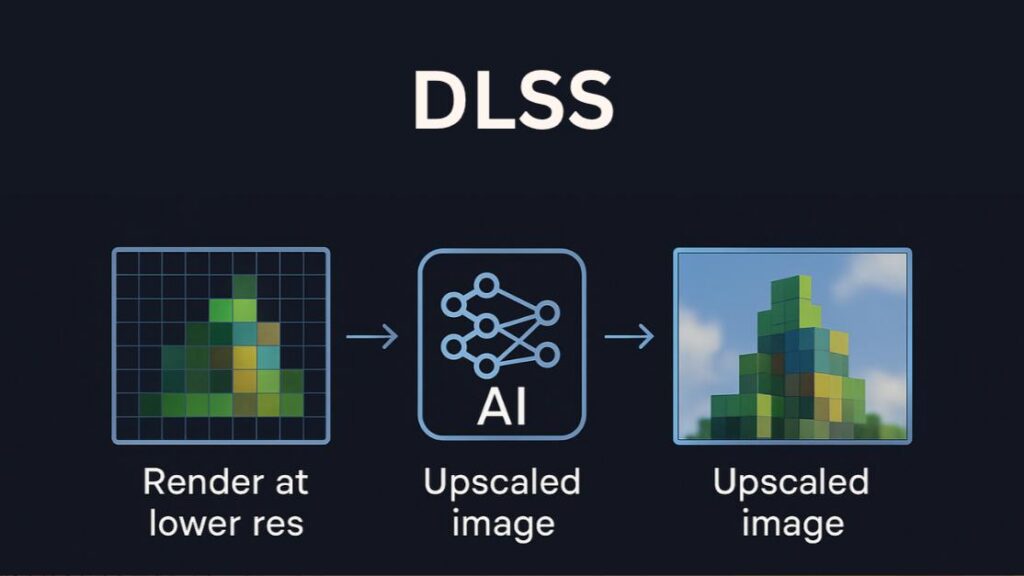
DLSS is a major reason to consider the RTX 5060 over some older GPUs. DLSS Quality at 1440p often gives a clean image while raising FPS. Frame generation can make motion look smoother, but it works best when your base frame rate is already decent. It should not be used as a fix for a truly sluggish experience.
RTX 5060 Vs. RTX 4060, RTX 5060 Ti, And AMD Alternatives
The RTX 5060 is a clearer upgrade from older GPUs than it is from the RTX 4060. If you own an RTX 3060, RTX 2060, GTX 1660 Ti, RX 5600 XT, or RX 6600, you get a newer feature set and better efficiency. If you own an RTX 4060, compare actual prices before buying.
| GPU | Best for | Main concern |
|---|---|---|
| RTX 4060 | Discount 1080p builds | Older generation, slower memory |
| RTX 5060 | Balanced 1080p gaming | 8GB VRAM limit |
| RTX 5060 Ti | Higher 1440p comfort | Costs more |
| RX 7600 XT | Budget VRAM shoppers | Weaker ray tracing and upscaling stack |
| RX 9060 XT | AMD value seekers | Game-by-game feature differences |
The RTX 5060 Ti is the safer pick if you want better 1440p headroom, especially if you choose a 16GB model. That extra VRAM can matter in open-world games and future releases. The standard RTX 5060 is the value play when price matters more than long-term cushion.
AMD alternatives deserve a look if rasterized performance per dollar is your top metric. Radeon cards often compete well in traditional rendering and may offer more memory at similar prices. Nvidia still has advantages in DLSS support, ray tracing consistency, CUDA apps, streaming tools, and wider creator software support.
Your best choice depends on your library. If you play many DLSS-supported games or stream often, the RTX 5060 has a stronger case. If you mostly play non-RT games and find a Radeon card with more VRAM at a lower price, AMD may be smarter.
Pricing, Value, And The Best PC Builds For The RTX 5060
The RTX 5060 is most attractive near its entry-level MSRP class. If board partner models climb too close to RTX 5060 Ti pricing, the value drops fast. Avoid paying a big premium for oversized coolers, heavy RGB, or factory overclocks. This GPU does not need a huge triple-fan cooler to perform well.
A good buying rule: if the RTX 5060 costs much less than the RTX 5060 Ti, it is a smart 1080p pick. If the price gap is small, move up. If an AMD card with more VRAM is far cheaper, compare benchmarks for your exact games.
| Build type | Suggested pairing |
|---|---|
| Budget 1080p | Ryzen 5 5600 / Core i5-12400F, 16GB RAM |
| New mainstream build | Ryzen 5 7600 / Core i5-14400F, 32GB DDR5 |
| High-refresh esports | Ryzen 7 X3D chip or strong Core i5/i7 |
| Compact PC | Quality 500W–650W PSU, airflow-focused case |
| Creator/gamer hybrid | 32GB RAM, fast NVMe SSD, Nvidia Studio Driver when needed |
Do not ignore the hidden costs. A weak power supply, cramped case, single-stick RAM kit, or old PCIe 3.0 platform can reduce the value of a new GPU purchase. The RTX 5060 is efficient, but your whole system still matters.
For most U.S. buyers in 2026, the RTX 5060 is worth buying if you want efficient 1080p gaming, useful Nvidia features, and a reasonable price. Skip it if you need 4K performance, demand ultra textures at 1440p, or can afford a 16GB RTX 5060 Ti without stretching your budget. A complete gaming PC build matters just as much as the GPU itself. The RTX 5060 performs differently depending on whether it’s placed in a budget system or a modern DDR5 gaming PC.